
I run the Seedance 2.5 video generator website. Here are three Seedance 2.5 video examples from its homepage showcase, with the prompts displayed alongside them: a mechanical fantasy sequence, a character-led animation, and a focused video edit. These are existing showcase assets, not a new personal test batch. Follow each video link to inspect the moving footage.
1. A clock opens into a mechanical fantasy
Displayed reference: a wordmark for the ending.
Prompt displayed on the homepage (unchanged):
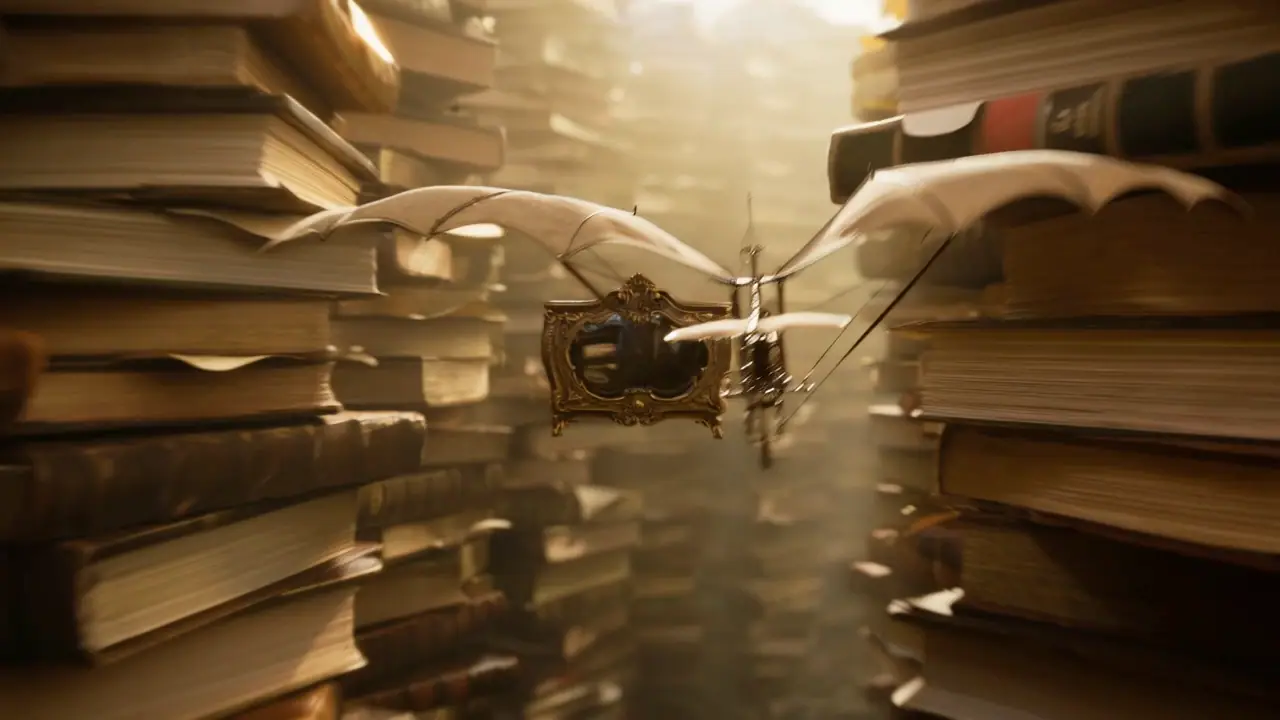
A premium, highly cinematic 30-second 3D motion-graphics sequence in a refined steampunk and retro-miniature style, built around continuous, fluid orbiting and push-through camera moves. [0–10s]: Begin with an extreme close-up of an antique brass clock face that miraculously unfolds into interlocking rings of rotating gears and volumetric mist. The camera dives through the machinery as a mechanical ornithopter spirals upward from a miniature canyon formed by stacks of weathered books. [10–20s]: Track forward along the ornithopter’s flight path and pass seamlessly through an ornate brass zoetrope spinning at high speed, where the moving silhouettes of mechanical horses race inside. The light figures leap from the drum and the scene instantly becomes a brass levitating cable car gliding along glowing copper rails through a forest of mechanical gears, bathed in cinematic golden-hour light. [20–30s]: The camera glides gracefully downward to reveal an intricate wind-up wooden sailing ship beneath the car, cutting through rolling waves made of deep-blue glass. The end of the sea transforms seamlessly into a vast glowing moon. Silhouetted explorers carrying swaying lanterns struggle along a crystal-veined ridge beneath a star-filled sky. The camera spirals smoothly backward through ethereal clouds and returns to the monumental ticking brass clock face. In the final second, reveal the logo using
@Image1as reference. Technical specifications: hyper-real mechanical textures, rich brass and gold tones, cinematic shallow depth of field, smooth and continuous seamless transitions, and an epic fantasy-adventure atmosphere.
The view moves from the clock into gears and follows a winged machine between stacks of books. Warm brass coloring carries across those shots, while shallow focus separates the foreground machinery from the background. The glowing horse appears inside an ornate frame, so the prompt's description of a zoetrope should be read as the request, not a literal account of every output detail.
2. A desert lizard finds a grapefruit
Character reference displayed with this example:

Prompt displayed on the homepage (unchanged):
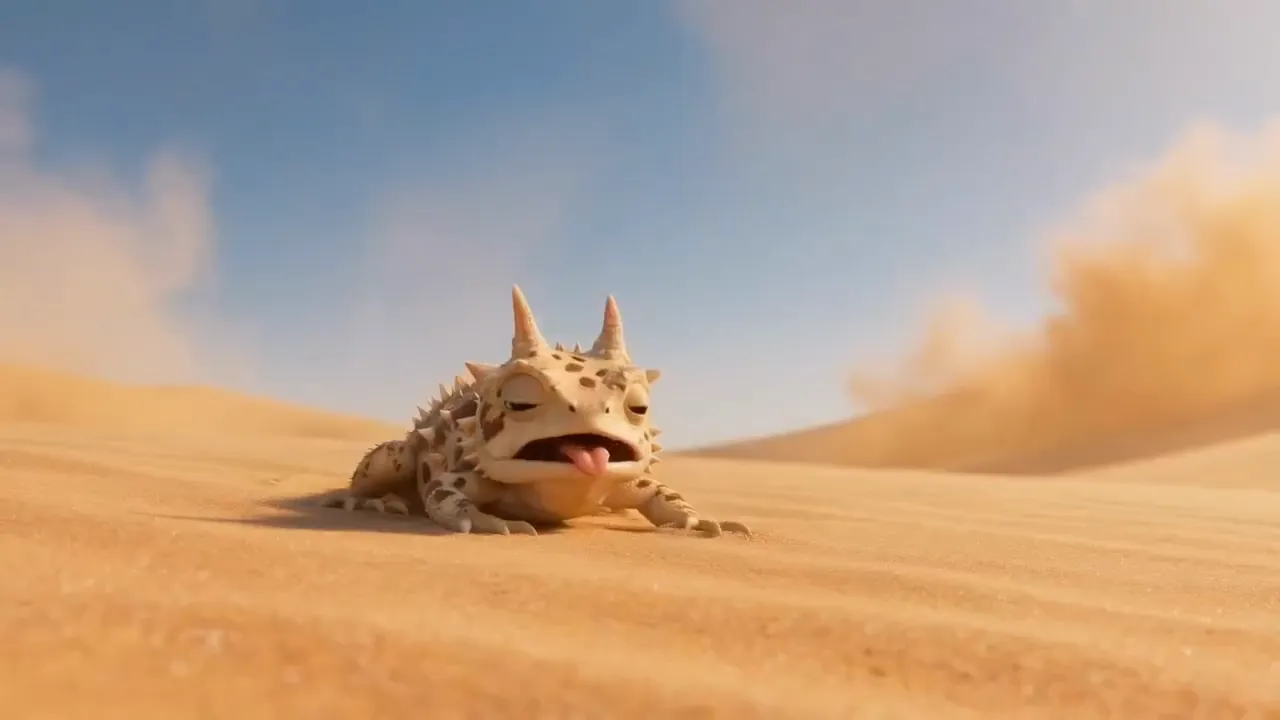
Create a bright, polished 3D animated commercial with vivid fruit, refreshing juice and playful exaggeration. The cute, expressive desert horned lizard should follow
@Images1, with soft natural light, tactile skin detail and dreamy macro depth of field. 0-3s: a scorching desert and an exhausted lizard. 3-6s: it discovers a cold, dew-covered grapefruit buried in the sand. 6-8s: it dives onto the fruit and hugs it in comic relief. 8-11s: the grapefruit cracks open and juice erupts like a tidal wave. 11-16s: translucent coral-pink juice floods the desert and turns it into a sparkling summer ocean; the lizard shifts from delight to alarm. 16-20s: it floats while clutching half a grapefruit like a life ring. 20-23s: cut to white with the Seedance grapefruit brand line. 23-29s: return to the lizard vacationing on the floating grapefruit in sunglasses with a drink. Keep the finish crisp, sunny, tactile and commercial.
The lizard starts low against the sand, then the framing tightens around the fruit before showing it hugging the grapefruit. Its horns and spotted coloring remain recognizable across these views, and the warm light emphasizes the fruit's surface droplets.
The prompt's timing runs through 29 seconds, while the displayed video file is about 25 seconds long. The requested timing differs from the finished clip.
3. Remove bystanders from a cathedral scene
Watch the source video · Watch the edited video
Reference: a source video, rather than a still image.
Prompt displayed on the homepage (unchanged):
Video edit: remove everyone from
@Video1except the main subject.
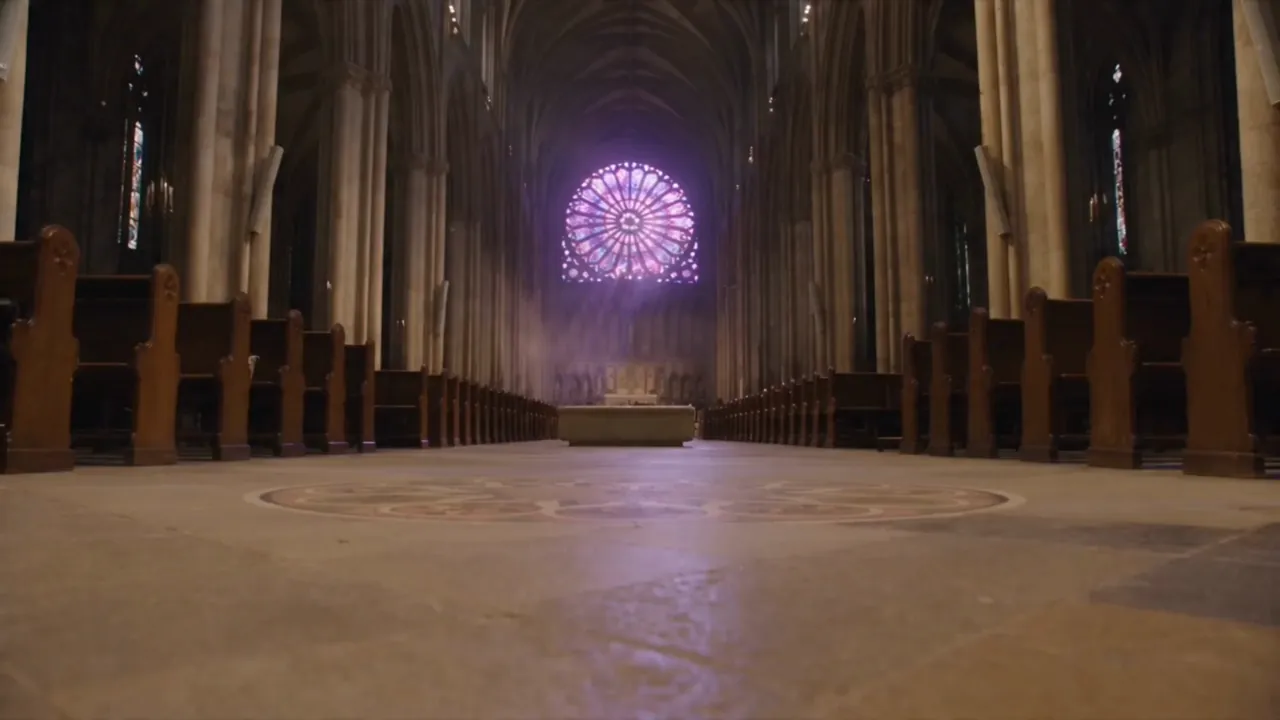
The source shows people beside the pews, while the edited version shows the central aisle without those bystanders. A figure in a white dress walks through the low-angle composition, with the purple-lit rose window still visible behind her. Inspect the revealed pews and floor throughout playback.
Reuse the idea, then change one variable
These Seedance 2.5 prompts serve different purposes: the first describes a camera-led sequence, the second assigns character actions to story beats, and the third specifies a narrow edit.
For a variation, change one subject, action, or camera instruction. Try changing the lizard's interaction with the fruit while keeping its reference and lighting brief. This suggestion was not used for the displayed video. Reference tags belong to actual uploaded assets; copying the text alone does not supply those assets.
On the site, open Generate, then choose Text to Video, Image to Video, or Media to Video to match your input. Check AI Model: Seedance 2.5 and the initially selected Lite model are separate entries. Add inputs, review output controls and cost, then submit when ready. Generation requires sign-in.
Return to the website to explore the examples and creator. In the cathedral edit, which would you check first: the walking subject's outline or the floor and pews revealed behind the removed people?
 Select Language