
解决 Google Antigravity 无法登陆的问题
前言
Google Antigravity 登陆时遇到两个问题,一个是登陆时浏览器回跳 Antigravity 后没有反应,一个是有反应后报错:your current account is not eligible for antigravity, because it is not currently available in your location.。
问题 1:浏览器回跳 Antigravity 后没有反应
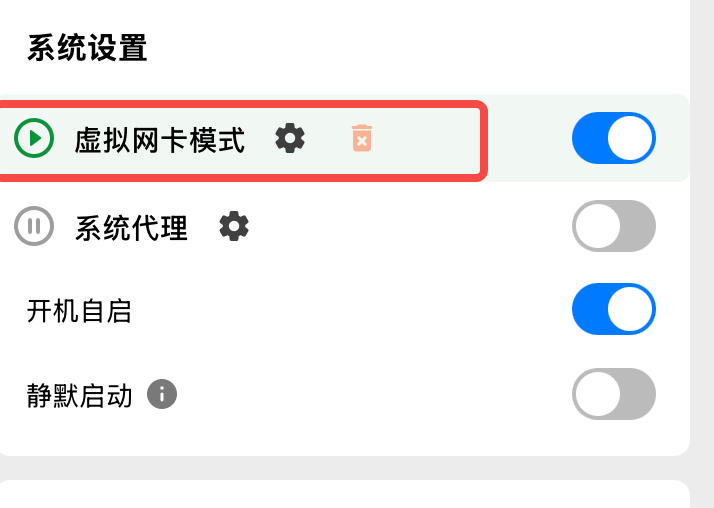
以TUN的模式开启代理即可,也就是虚拟网卡模式。
问题 2:your current account is not eligible for antigravity, because it is not currently available in your location.
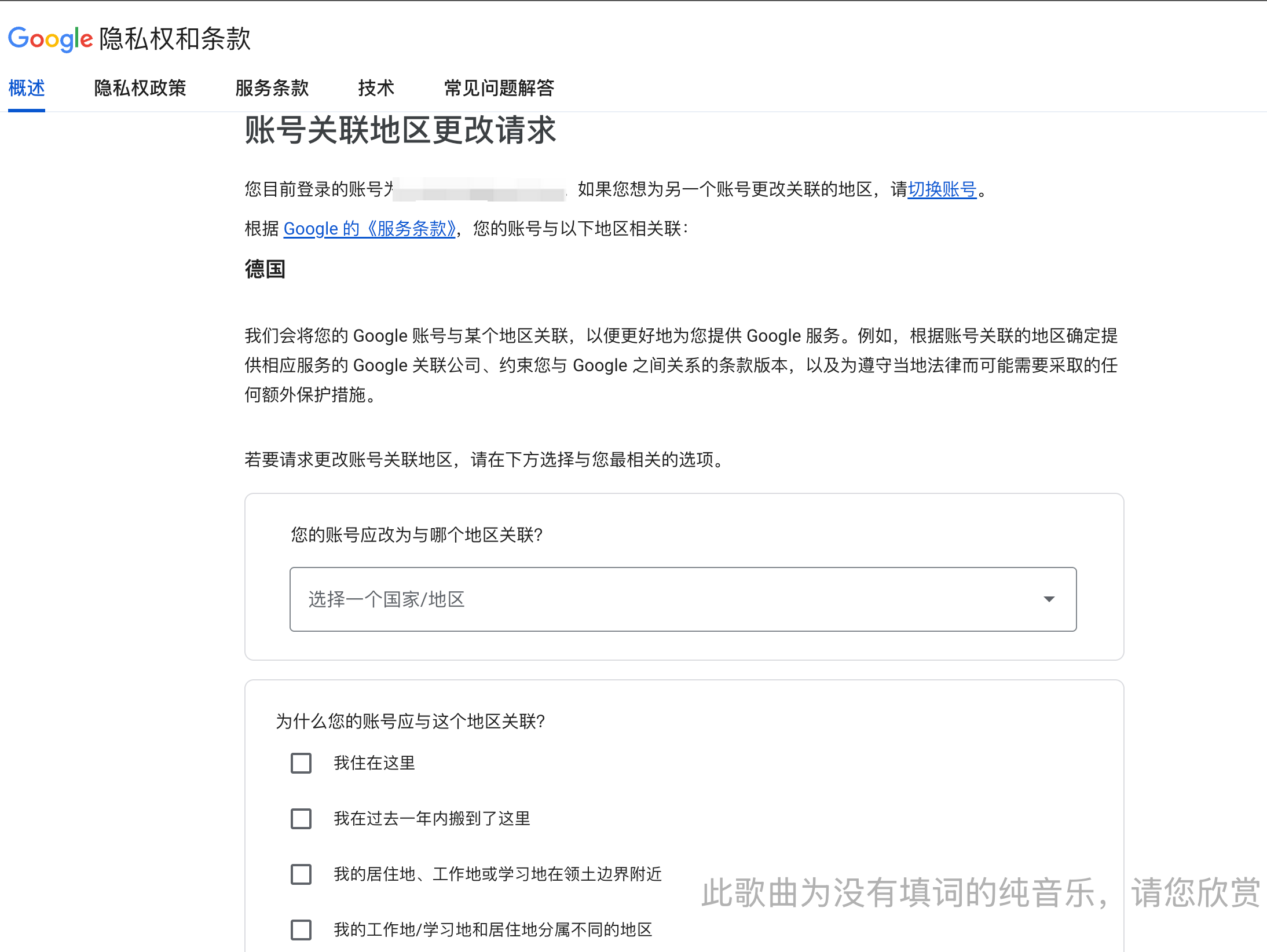
显然是区域问题,需要修改 google 账号的关联区域。去 https://policies.google.com/country-association-form 修改账号关联区域,切换到支持 Antigravity 的区域即可。不过这个需要 google 审核,大概几十分钟后就能收到邮件。


 2
2


 Select Language